README from GitHub, GPL-3.0
OPLBend Tracker
A free OPL3-style FM tracker firmware, with FX inspired by circuit bending, a drum machine and a looper, for the M-VAVE FM-1.
- LSDJ-style tracker (SONG, CHAIN, PHRASE, INSTR, TABLE) on an OPL3-style FM engine (not cycle-accurate): 18 voices, 8 waveforms, stereo (planned: test whether Nuked-OPL3, an accurate OPL3 emulator, can run on the FM-1)
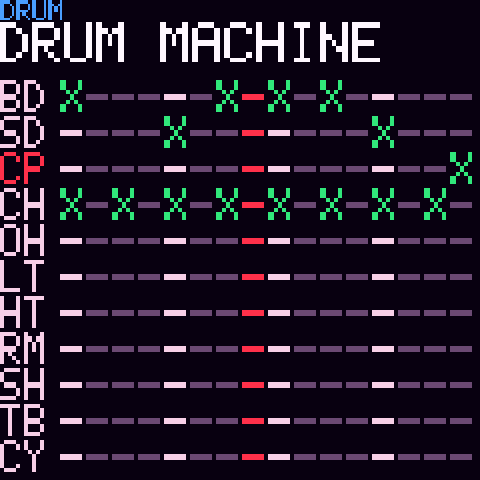
- FX inspired by circuit bending, GLITCH, MASTER FX, KNOB GENERAL, drum machine, drum keyboard, looper
- Opens and exports AdLib Tracker II
.A2Msongs, which also open in AMBER OPL Tracker and my other OPL3 trackers - USB audio into your DAW
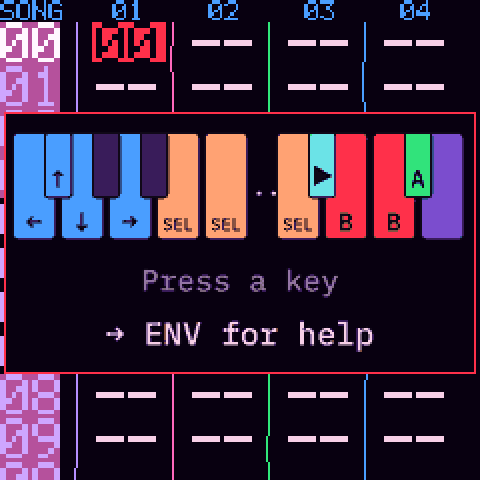
- Help on the device: press ENV
Demo
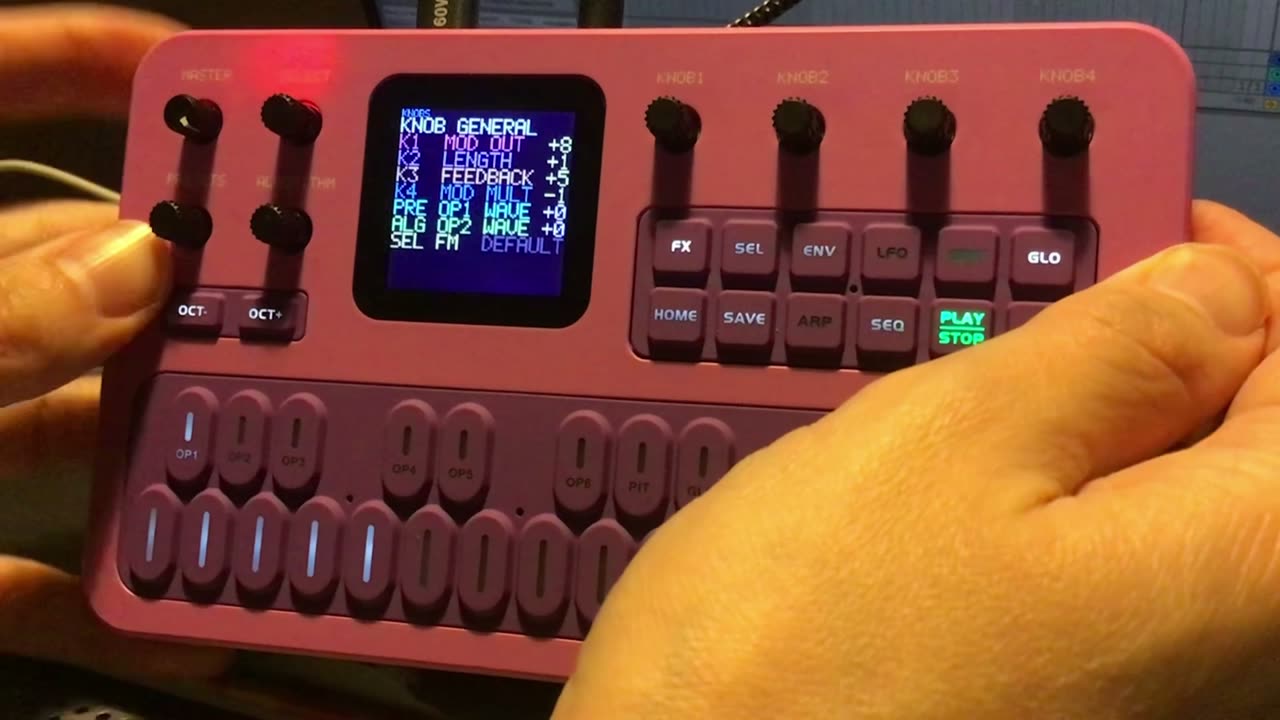
Click to watch the demo on the website.
Screenshots
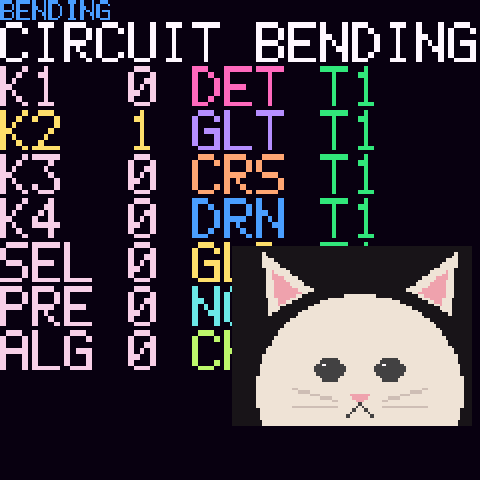
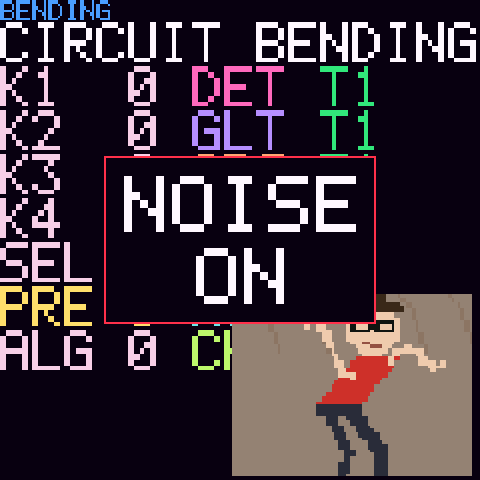
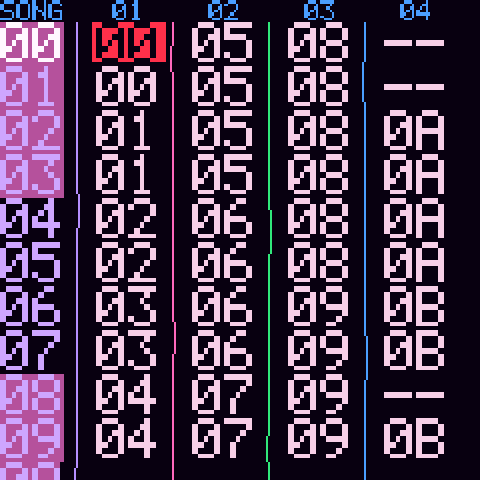
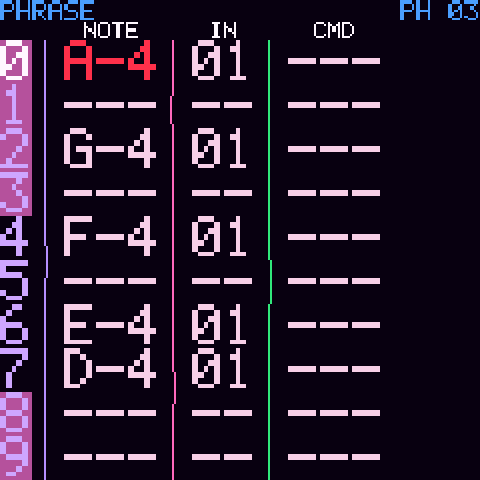
Help
It works like LSDJ, M8 Tracker or Little Piggy Tracker. First press GLO to switch to D-PAD mode: the keys become arrows, A, B and SELECT, and the shortcuts below work. Press ENV for the help on the device.
- SEL+UP: project · SEL+RIGHT / SEL+LEFT: song → chain → phrase → instrument → table · SEL+DOWN: drum machine
- A: insert · A, A: insert a new one · A+LEFT/RIGHT: value ±1 · A+UP/DOWN: value ±16 · A+B: delete
- SEL+B: select · B: copy · SEL+A: paste · SEL+B+A: deep clone · PLAY: play/stop
Install
We recommend running the official firmware V15 on your FM-1 first: M-VAVE now ships V16, but FM-1 custom firmwares are generally installed over V15, and we cannot be sure installing over V16 works.
Then open the web installer in Chrome or Edge, with the FM-1 on USB,
or use tools/fm1_install.py. Use it at your own risk.
To send .A2M or .OBT songs to the FM-1, or copy its songs back to your computer, use the song transfer page (Chrome or Edge).
Build
./build.sh builds build/tracker.fwsc. web/make_site.py builds the site in docs/.
Support
OPLBend Tracker is free. If you'd like to support its development, you can:
- make a donation on Ko-fi (a donation website, no account needed);
- or buy my music on Bandcamp: I am also a musician, under the name Maz Hoot.
Credits and licence
GPL-3.0 (LICENSE). By Audren. Built on Felucca
by Leo Kuroshita (@kurogedelic), Hügelton Instruments. The looper's recording (the free take) is adapted from
SLOOP by isod89 (GPL-3.0). The .A2M format and the instrument presets come from
AdLib Tracker II. The package holds three JieLi AC79 SDK files (Apache-2.0). Font: IBM Plex Mono (SIL OFL 1.1).
M-VAVE and FM-1 are trademarks of their respective owners; this project is not affiliated with M-VAVE.
FR — Un firmware tracker FM de style OPL3, gratuit, avec des effets inspirés du circuit bending, une boîte à rythmes et un looper, pour le M-VAVE FM-1. Nous conseillons d'installer d'abord la V15 officielle sur le FM-1 ; ensuite, installe-le depuis le site (Chrome ou Edge).