README from GitHub, GPL-3.0
GR!MM V2.0
Dark ambient, dungeon synth and deathdream firmware for the M-VAVE FM-1.
V2.0 is out: real recorded choirs, tracks that play by themselves (GENERATE), GLIDE, a master filter, four kinds of distortion, tape and drive per track, and MIDI clock in and out. What's new · Download
The GR!MM hub: install, manual and links.
Try it in your browser (the real firmware, no FM-1 needed) · Open the editor (edit sounds live, load samples, back up your FM-1)
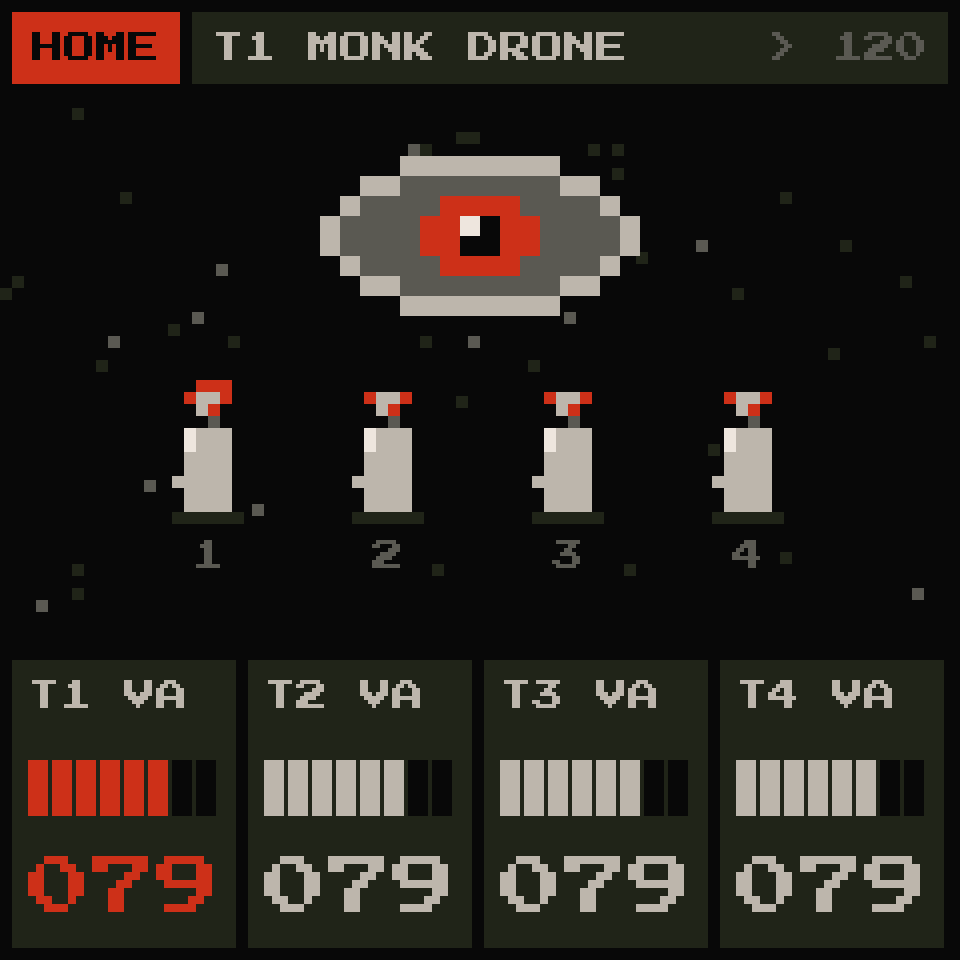
GR!MM turns the FM-1 into a four-track drone and atmosphere machine: seven sound sources (with real recorded choirs), long dark effects, a 64-step sequencer per track, tracks that can play by themselves, one-key chords, an arpeggiator, song mode and live performance tricks. Everything is drawn in a pixel-brutalist style, with an eye that watches the music and candles that burn with each track.
Free and open source (GPL-3.0). Unofficial firmware, not made or endorsed by M-VAVE. Install at your own risk.
What's inside
- 4 tracks, 6 voices shared between them
- 7 sources: VA (analog-style, with supersaw), FM (6-operator, fully editable), SAMPLE (a sample played like a tape loop), VOICE (a solo voice, or real choirs: GREGORIAN, NUNS, CATHEDRAL, from recordings of real singers), WHEEL (tonewheel organ), PHYS (bowed and struck physical models), PHASE (CZ-style phase distortion)
- GLIDE on every source; PHASE with a second line, ring mod, noise and its own envelopes
- 44 factory sounds in 8 categories (PAD, DRONE, BELL, VOICE, ORGAN, KEYS, OTHER, TEXTURE), plus 64 slots for your own, with names you give them in the editor
- 4 factory samples (URCHIN, LEAVE, NIKOLAI, M-SOFT; CC0) in the four sample slots, which you can replace with your own (6.6 s each)
- Effects: TAPE per track (a TAPE tile per track on MIXER 1: worn-tape slips, saturation, tone, hiss), GRAIN (a granular cloud with FREEZE), DELAY (tape echo), SPACE (reverb up to ~32 s, and infinite), MASTER (a stereo LP / HP / BP filter over everything) and DRIVE (soft, fuzz, clip or wavefold, with a limiter)
- Mixer: level, delay, reverb, tape, grain and drive per track
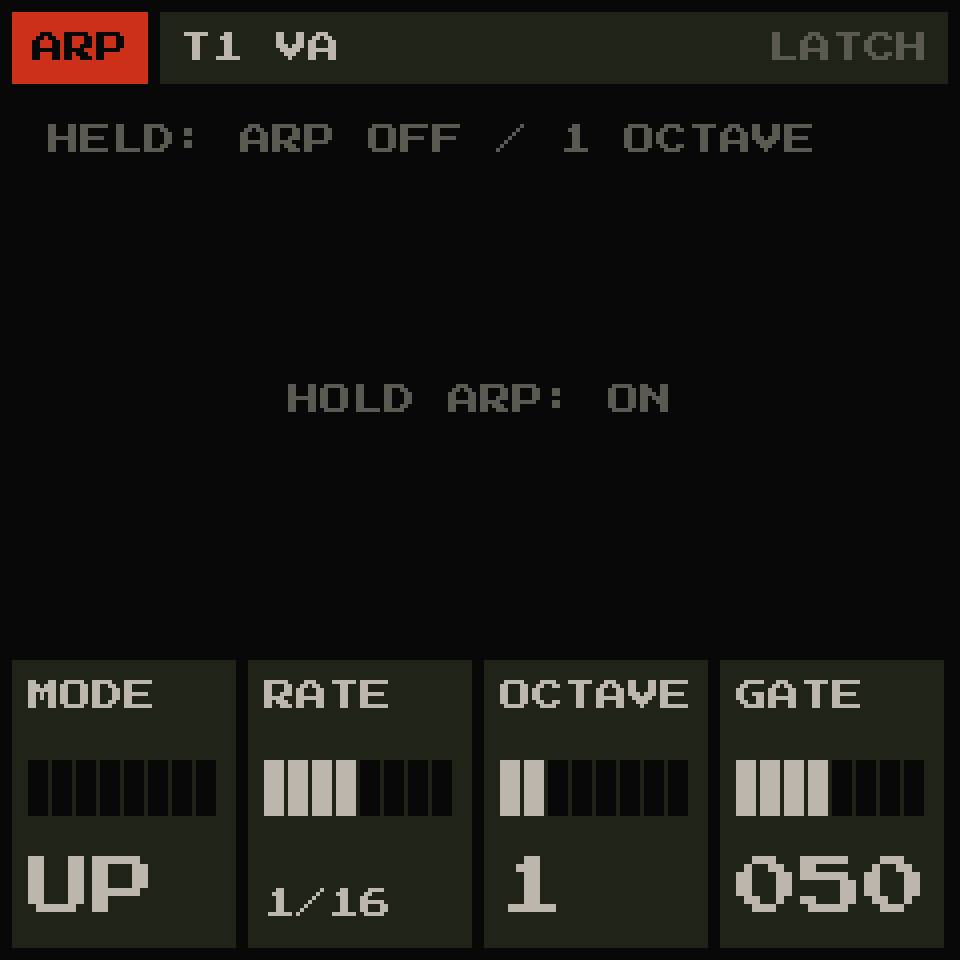
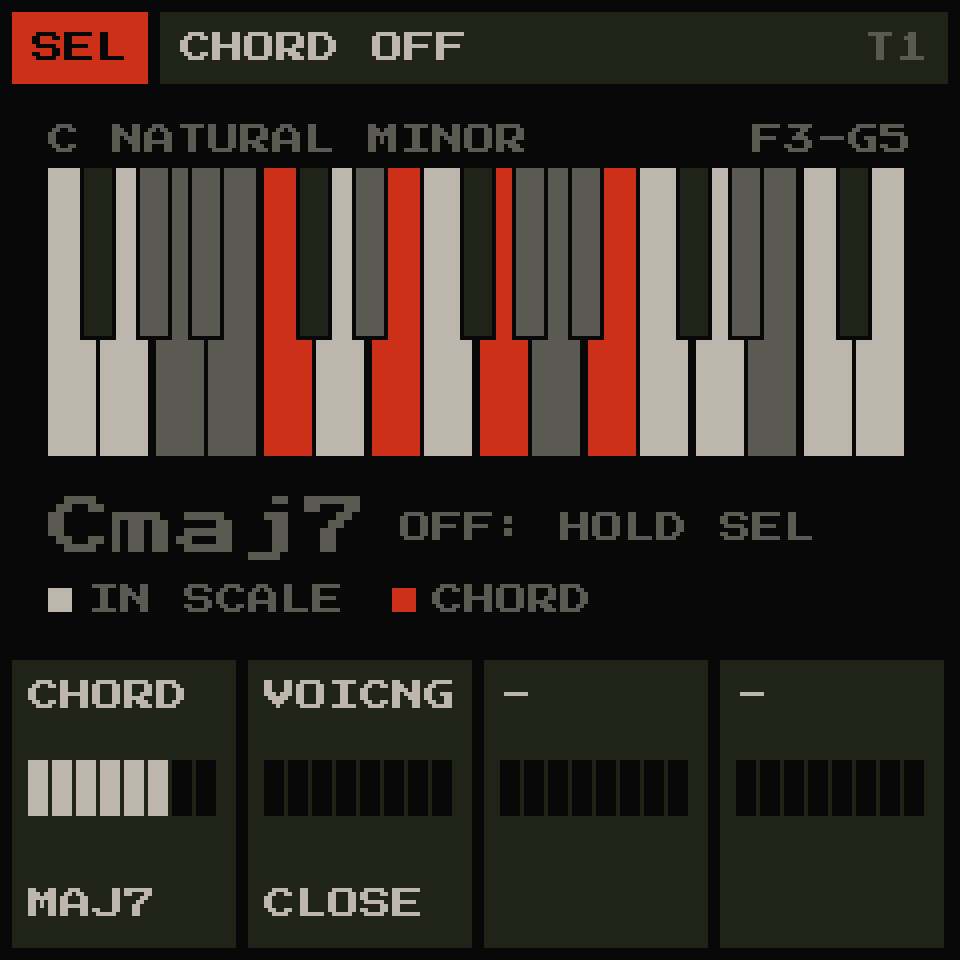
- Per track: envelope, LFO, a low-, high- or band-pass filter (before or after the effect sends), scale snapping, one-key chords, arpeggiator, latch for drones
- Sequencer: 64 steps per track, chance, ratchets, note lengths, step locks, chord steps, tools (random, mutate, shift, double, copy/paste)
- Song mode: four slots A–D, chained by hand or recorded live
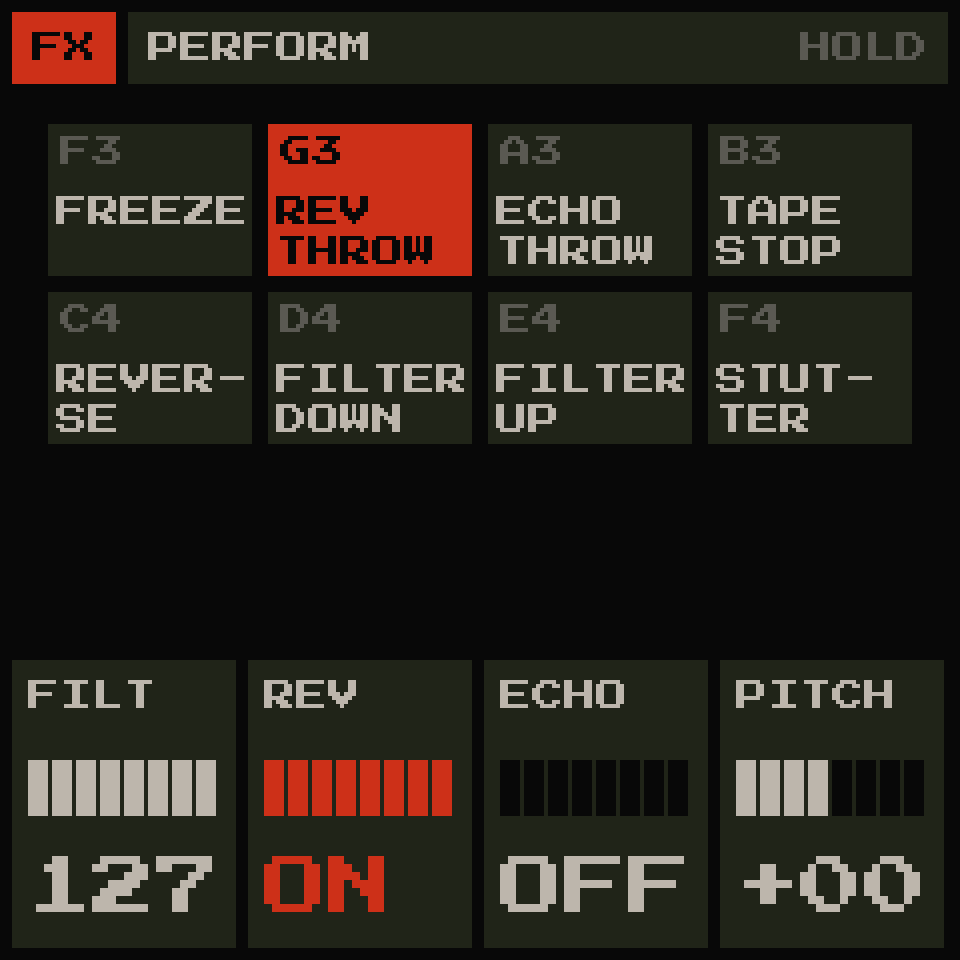
- Performance layer: freeze, reverb and echo throws, tape stop, reverse, filter sweeps, stutter
- GENERATE: each track can play by itself, always in key (DRIFT, PULSE, STORM), following the tempo or a MIDI clock
- Autosave: the FM-1 comes back exactly as you left it
- MIDI: in and out over USB, MIDI in on the TRS jack, MIDI clock in (USB or TRS) and out (USB), MIDI learn, sequencer and arp out; the FM-1 is also a USB audio input for your computer
- Battery level in the HOME header
Install
- Open the FM-1 Firmware Hub in Chrome or Edge.
- Connect the FM-1 over USB.
- Pick GR!MM and press install.
Updates appear on the hub automatically when a new release is published here.
If you want to install a release file by hand: download grimm.fwsc from
Releases, then, with Python 3 and py -m pip install mido python-rtmidi:
py tools\fm1_install.py grimm.fwsc
Your sounds, slots A–D, settings and samples stay on the FM-1 when you update. If anything goes wrong, the hub's Rescue page brings a stuck FM-1 back.
Learn it
- The manual: every button, page, knob and combo, in plain English (what's new in 2.0).
- The manual as a PDF: the same manual with every screen, to print or keep offline.
- Quick start: switch on, wait for the eye to open. Turn ALGORITHM to pick a track, turn PRESETS to pick a sound, play the keys. Hold SEL for one-key chords. Press FX for the effects.
The editor and the web emulator
Both run in Chrome or Edge on a computer, nothing to install.
- The editor: connect the FM-1 over USB and edit the four tracks' sounds with big sliders: every move plays on the FM-1 at once, like turning its knobs. Store sounds into your 64 slots with a name, browse the factory sounds, load WAV files into the sample slots, set the effects and the MIDI settings, and back up or restore everything, samples included. Without an FM-1 it runs GR!MM's own code in the page (TRY WITHOUT AN FM-1).
- The web emulator: the FM-1's panel on screen, running the same firmware. Play it with the mouse or the computer keyboard (the keys are listed under the panel and in the manual).
Your own samples
GR!MM has four sample slots that survive firmware updates. They come with the four factory samples; replace any of them with your own:
- Open the editor, connect the FM-1, and go to SAMPLES.
- Drop a WAV on a slot (any rate, mono or stereo; up to 6.6 s are kept), check its name and root note, press UPLOAD.
Then set a track's source to SAMPLE and pick the slot. RESTORE FACTORY SAMPLES (in the editor, or SYSTEM 2 on
the FM-1) brings the four factory samples back. A slot that cannot play (left over from another firmware, say) gets its
factory sample by itself at the first start (the header says SAMPLES RESTORED); a slot with a working sample is
never touched.
Optionally, from a command line with Python 3:
py tools\fm1_sample_upload.py 2 "your-sound.wav"
py tools\fm1_sample_upload.py --list
Screens
 | 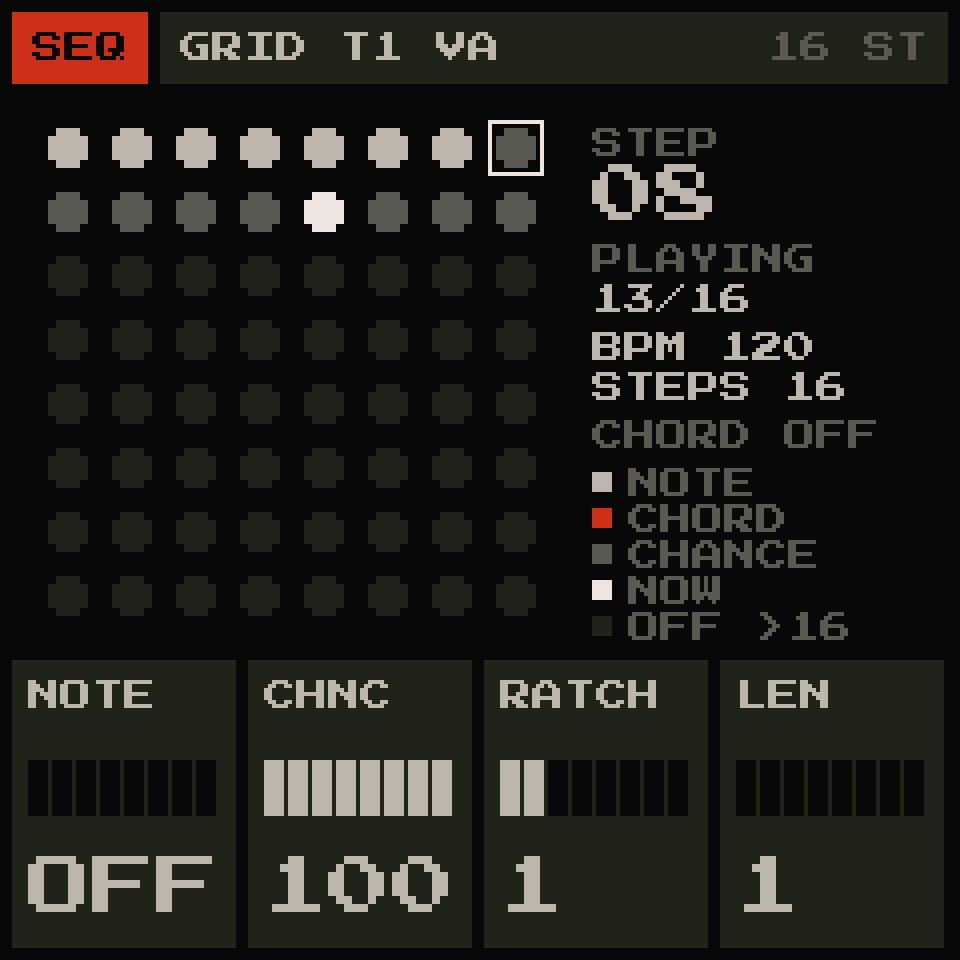 | 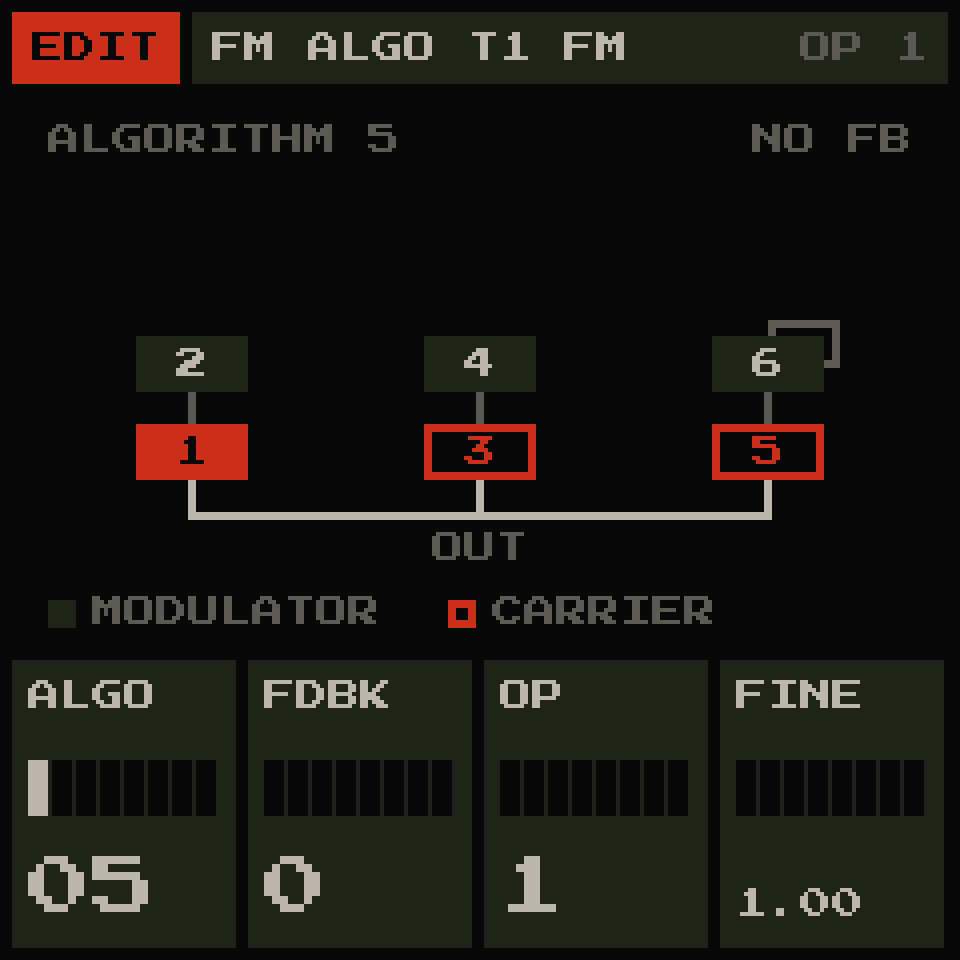 |
 |  |  |
Credits
GR!MM stands on the shoulders of other people's open work. Full details and licence texts are in LICENSING.md and LICENSES/.
- Felucca by Leo Kuroshita / Hügelton Instruments (GPL-3.0): the platform, and the ANALOG, FM6, GRAIN, HALL, formant, tonewheel, physical-modelling and phase-distortion engines GR!MM builds on
- Dinghy by zvenson (GPL-3.0): the firmware template
- SLOOP by isod89 (GPL-3.0): the FM-1 platform work Felucca and Dinghy share; its editor's layout and live editing inspired GR!MM's editor
- X0X by charlesvestal (GPL-3.0): the tape delay's design and the browser build's approach
- msfa, the FM core from Dexed (Apache-2.0)
- DaisySP and Mutable Instruments Rings (MIT), via Felucca's physical models
- CrispyZebra by Leo Kuroshita (GPL-3.0), via Felucca's phase distortion
- Press Start 2P font by CodeMan38 and Terminus font by Dimitar Zhekov (SIL Open Font License 1.1)
- VocalSet: A Singing Voice Dataset by Julia Wilkins, Prem Seetharaman, Alison Wahl and Bryan Pardo (Northwestern University, 2018) (CC BY 4.0, https://creativecommons.org/licenses/by/4.0/): VOICE's choir wavetables are made from its singers' long tones (changed: single cycles measured from them, see LICENSING.md)
Building from source
See docs/BUILDING.md.
Looking for the old version? GR!MM V1.0 is still on the releases page.
Licence
GPL-3.0. See LICENSE. The four factory samples are CC0 1.0: free to use for anything. The choir wavetables are made from VocalSet, CC BY 4.0 (credit above and in LICENSING.md). Bugs and questions: open an issue on this repository.