README from GitHub, GPL-3.0

Fantasma
A ghostly, ambient synth firmware for the M-VAVE FM-1
drones · bells · rain · Omnichord chords · in a neon skin
Install · Try it in your browser · Website · Download 1.1
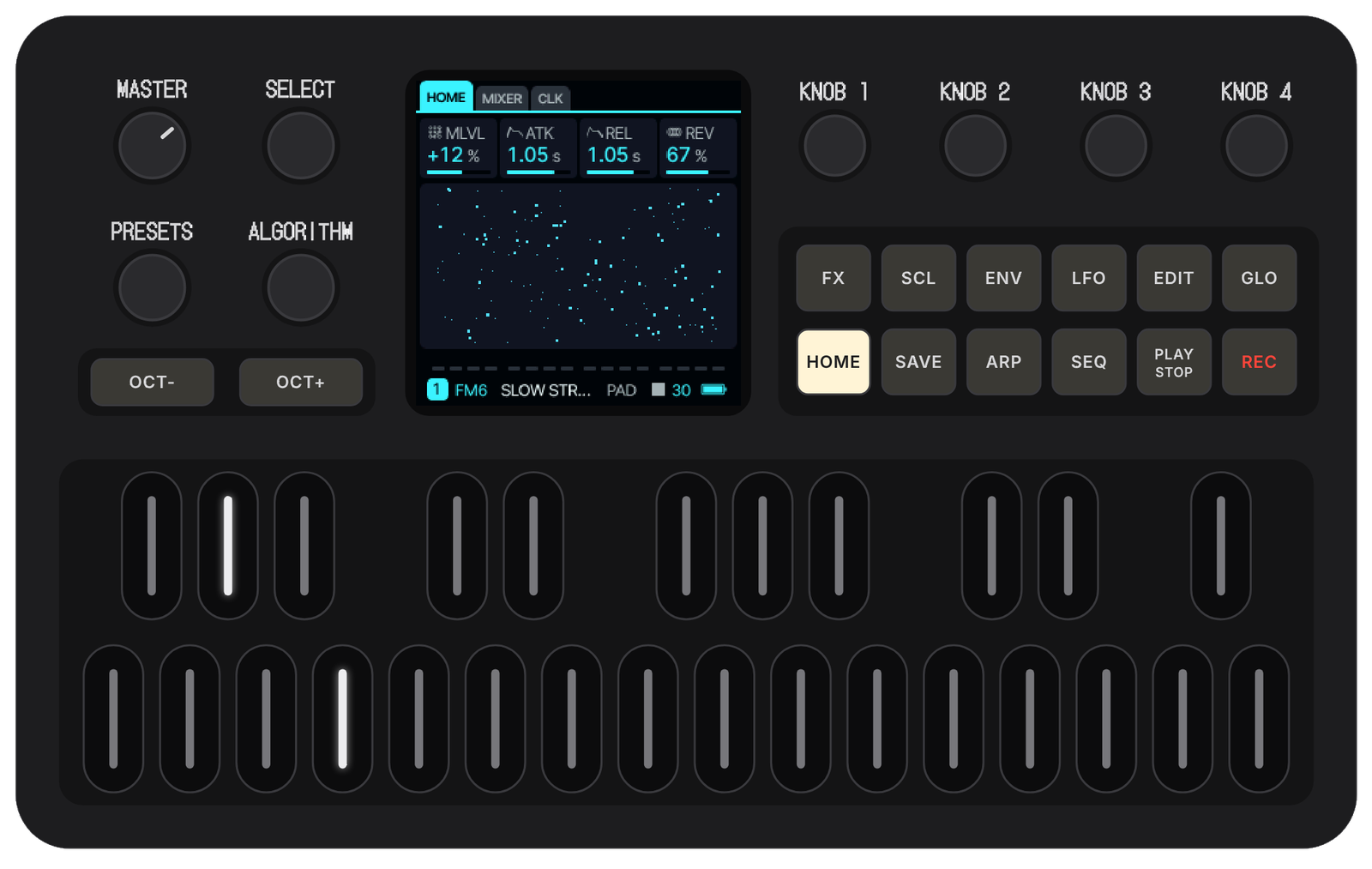
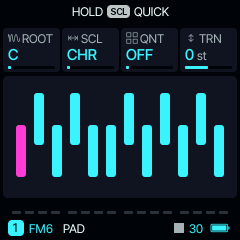
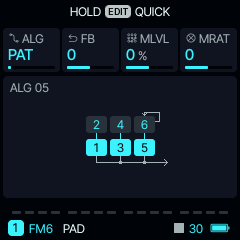
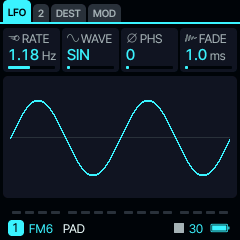
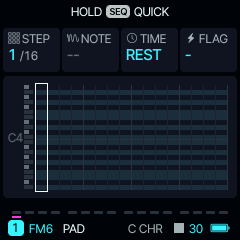
Fantasma is custom firmware for the M-VAVE FM-1. It keeps everything Felucca does (thirteen engines, a 64-step sequencer, songs, effects) and adds an instrument for slow, warm, drifting music: a Pad that writes its own chords, bells that grow like a garden, an endless noise of sea, rain or vinyl, and an Omnichord on the keys. In a neon skin, with a ghost.
What's inside
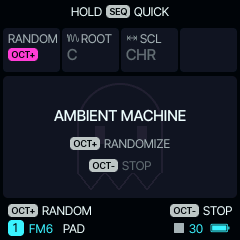
| The ambient machine | SEQ › AMBIENT: OCT+ picks the sounds, a scale and a key, switches the Pad's progression and the bells on, and sets long envelopes and reverb. It keeps playing with the transport stopped. |
| AMBI, the noise engine | Sea, surf, storm, wind, stream, fire, vinyl, rain, cave drip, crickets. REL at its top means INF: a drone that never stops. |
| BELL and the garden | Soft FM bells that play themselves: four loops of 13, 17, 23 and 29 steps drifting apart; the keys choose the notes. |
| A Pad that writes chords | DENS, BARS, CHORDS, SEED: a progression of its own in the key, never the same twice. |
| OMNI | The black keys are chord buttons, the white keys strum. ENV makes it minor, LFO adds the seventh, OMNI H holds the chord. |
| AMBI reverb | Tails from 7 s up to about 90 s. |
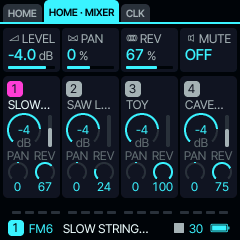
| Four parts | PAD, LEAD, ECHOES and NOISE, each with its own colour and warm sounds made for it. |
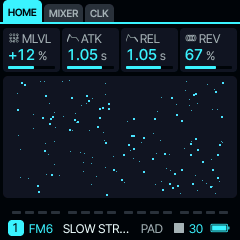
| The neon look | The ECTO palette, an animated ghost at power-on, and one on the AMBIENT page. |
| Tape sounds (1.1) | NOSTALGIA, HAZY LEAD, TAPE EP, FADED CHOIR, MUSIC BOX and VHS HISS, with a slow wow on the pitch, like a worn cassette. Hear every sound. |
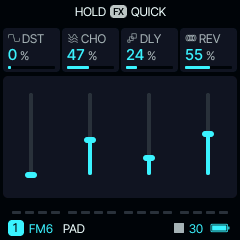
On the screen
Install
- Open the web installer in Chrome or Edge on a computer.
- Connect the FM-1 with a USB data cable, straight into the computer.
- Follow the five steps: the checklist, a backup, the build, connect, install. About two minutes.
From a terminal instead: python3 tools/fm1_install.py Fantasma-1.1.fwsc (needs pip install mido python-rtmidi).
If something goes wrong: switch the FM-1 on while holding OCT−. It starts FANTASMA USB RESCUE, with only USB, ready for a new install (it also starts by itself after two failed starts). The firmware never writes the FM-1's boot code, and the installer can put the official M-VAVE firmware back at any time.
The code
main | the latest release, now 1.1 |
next | the work on the next version |
| Releases | every version: its notes and its package |
gh-pages | the website: project page, installer, emulator, package |
- The manual: every page, engine and control
- What changed, version by version · How a version is released
- Building: BUILDING.md (
./build.sh --release 1.1); the tests:sh tests/run_tests.sh
Credits
Fantasma is by Gadlele. It is a fork of Felucca by Leo Kuroshita (@kurogedelic), Hügelton Instruments. The ambient machine follows Charles Vestal's AMB-1, OMNI follows his FoMni, and the USB rescue follows zvenson's dinghy. See LICENSING.md for every bundled work and its licence.
Fantasma is free software under the GPL-3.0, with no warranty. M-VAVE and FM-1 are trademarks of their respective owners; Fantasma is independent and not affiliated with, endorsed by or supported by them.