README from GitHub, MIT
kobox
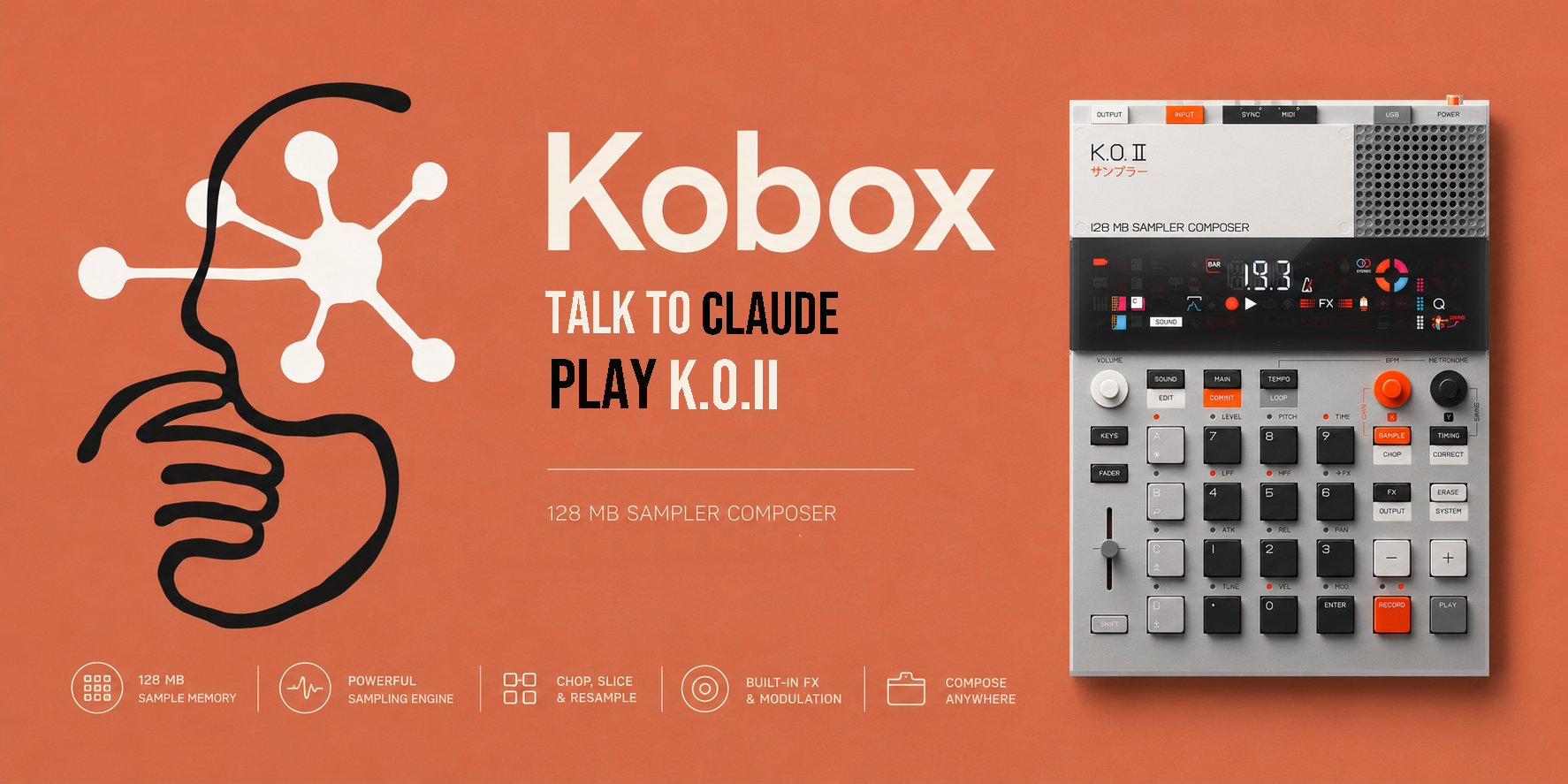
Play your Teenage Engineering EP-133 K.O. II by talking to Claude. kobox is a small MCP server that turns plain language into MIDI — trigger pads, lay down grooves, run scales — straight to the hardware.
"Connect to my K.O. II, then play an ascending C minor pentatonic on group A."
That works. So does asking for a 16-step beat, a single note, or a melody in any of eleven scales.
Install — the easy way (Claude Code)
You don't need to know any Python. Claude does the setup.
- Plug the K.O. II into your computer over USB and turn it on.
- Paste this repo's URL into Claude Code and say: "Install this MCP for me."
It reads
CLAUDE.mdand handles the environment, dependencies, registration, and a connection check on its own. - Restart Claude Code, then say "connect to my K.O. II" and start playing.
Install — one line (if you already use uv)
uvx --from git+https://github.com/yangyue1974/kobox kobox
Then point your MCP client at the command
uvx --from git+https://github.com/yangyue1974/kobox kobox.
Claude Desktop
Desktop can't run setup commands. Install once on a machine that has Claude Code
(above), then copy the command + absolute path shown by claude mcp get kobox
into Desktop's MCP server config.
Things to say
| You say | kobox does |
|---|---|
| "Connect to my K.O. II" | Auto-detects and opens the EP-133 MIDI port |
| "Trigger the pad printed 5 on group B" | Fires B5 |
| "Play a 16-step groove with pads A., A0 and A1" | Sequences a beat with timing |
| "Run an ascending C major scale on group A" | Plays the scale by degrees |
| "Play C3, then F#4" | Sends raw notes |
| "What scales can you do?" | Lists all eleven |
Tools
| Tool | Purpose |
|---|---|
connect · disconnect | Open / close the device (auto-detects the EP-133) |
list_ports | List available MIDI output ports |
trigger_pad | Fire a pad by its printed label (A., A1, D9 …) |
play_note | Play a MIDI note number or name (C3, F#4) |
play_pattern | Sequence a series of hits with per-hit timing |
play_scale | Play a melody as scale degrees — 11 scales, any root |
list_scales | List the supported scales and their intervals |
device_info | Report the device's note map and pad layout |
How pads are named
A pad reference is the group letter (A–D) plus the symbol printed on the keypad — not a 1-to-12 index. Within a group the labels run from the lowest note upward:
. 0 enter 1 2 3 4 5 6 7 8 9
So A. is the lowest pad in group A and A1 is the pad printed "1" (the fourth
one). The four groups sit in their own octave bands: A = MIDI 36–47, B = 48–59,
C = 60–71, D = 72–83. This was measured on real hardware, not guessed.
What kobox deliberately doesn't do
- It doesn't claim to know your sounds. Every K.O. II has different samples loaded, so kobox addresses pads by position and never pretends to know what a pad sounds like.
- It doesn't switch sounds. On current firmware, MIDI program change doesn't change pad sounds — so there's no tool that fakes it.
Requirements
A Teenage Engineering EP-133 K.O. II, a USB cable, and either Claude Code or uv.
Python and the MIDI backend are installed for you during setup.
License
MIT — see LICENSE.